
Convert and manage PDF files offline
Use FID Pro to convert PDF text to Word, export PDF page images, extract text, and lock or unlock password-protected copies offline.
FID Pro includes offline PDF tools for completed PDF downloads. Process a local copy without uploading the PDF to an online conversion service.
Open the PDF tools
- Select a completed PDF in your download list.
- Right-click the entry and choose the PDF action you need. These actions are also available from the download completion window.
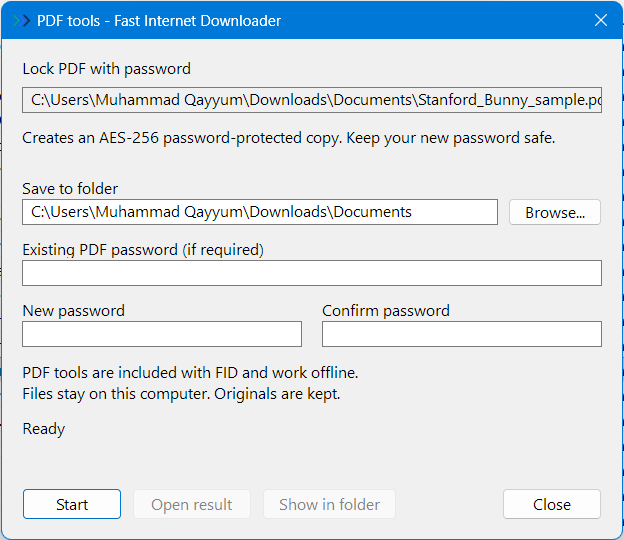
- Choose an output folder, enter a password if required, and select Start.
- Open the result or show it in its folder. Your original PDF is kept.
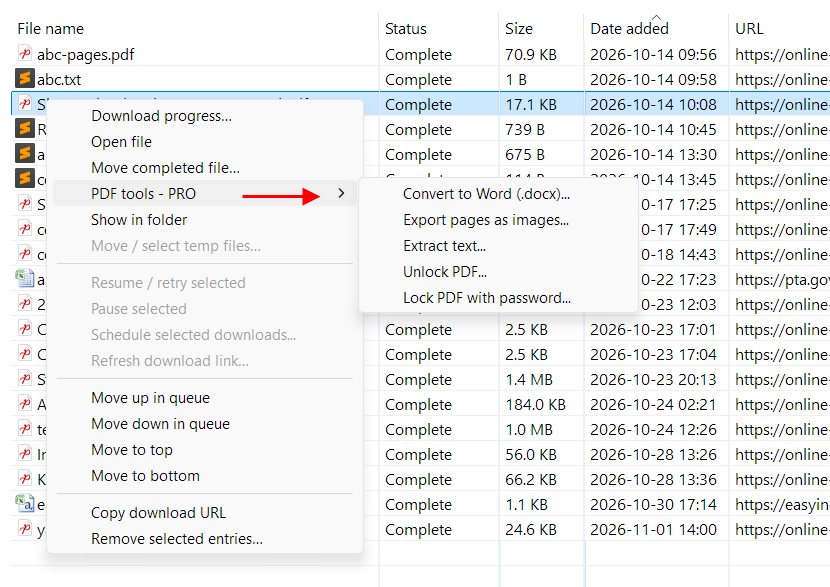
Convert PDF to Word
Create an editable DOCX document from selectable PDF text, with page breaks. Complex layouts, pictures and OCR are not included. Scanned pages need OCR software before their text can be extracted.
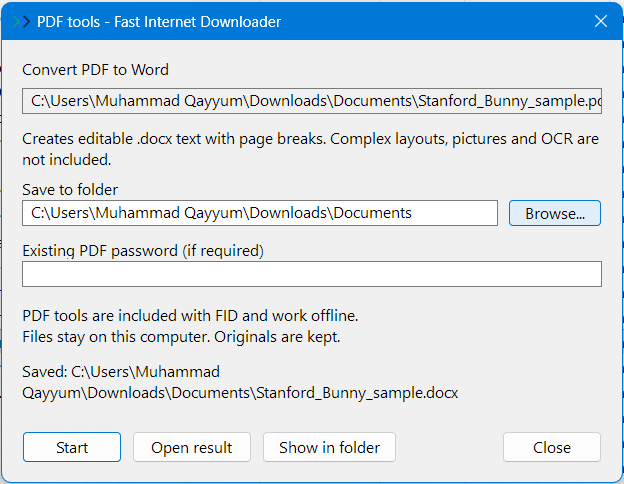
Export PDF pages as images
Save every page as a PNG image at 144 DPI in a new folder. This is useful when you need individual page images for a document or presentation.
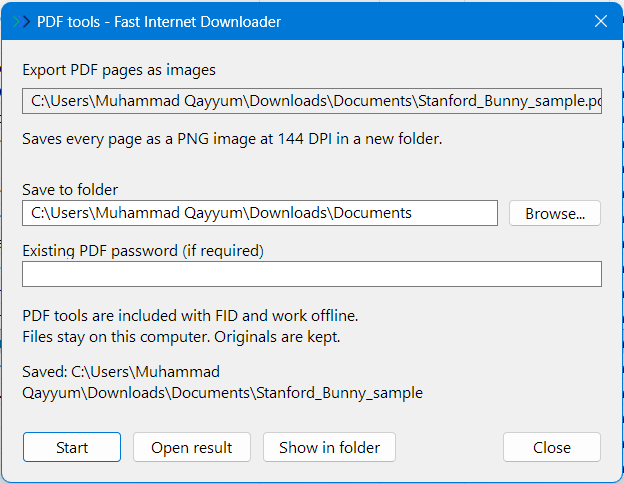
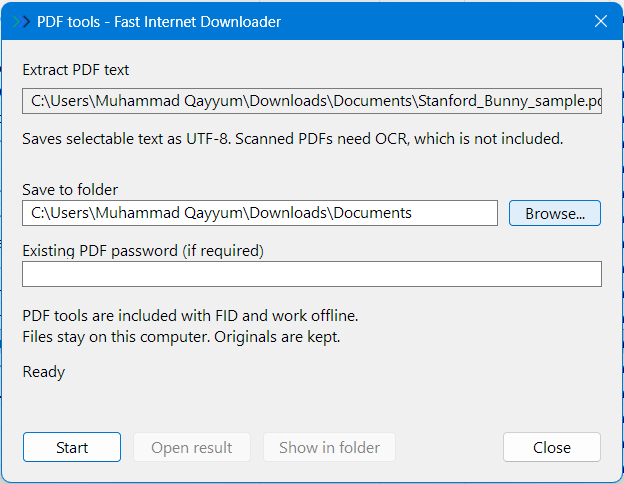
Extract text from a PDF
Save selectable text as a UTF-8 text file. Image-only scanned PDFs do not contain selectable text.
Lock or unlock a PDF copy
Create an AES-256 password-protected copy with a new password. To unlock a protected file, provide its existing password when required. FID does not recover or bypass an unknown password.
Included with Pro
The required PDF components are bundled with the installer, and document processing works offline. See FID Pro pricing and the activation guide. License activation and periodic license checks still require an internet connection.